Expense Tracking for Self Employed Professionals in 2026
Learn expense tracking for self employed professionals with a simple weekly routine for capturing receipts, sorting costs, and keeping records review-ready.
10 min read

Expense tracking for self-employed professionals works best as a same-day routine: record each cost, give it a familiar category and business reason, attach proof, keep it separate from personal spending, then check it weekly. This is practical recordkeeping, not tax guidance. Done consistently, it keeps year-end reporting from becoming a search through memory and old calendars.
Why Expense Tracking Matters for Self-Employed Professionals

Receipts don't arrive in one neat format. They show up as email attachments, phone photos, paper slips, and card alerts, and a few missed items can turn a manageable week into a guessing game.
Say a consultant misplaces a hotel receipt after a client trip. Months later, they may lose an evening retracing dates, clients, and card activity; a same-day photo plus a short note would have taken two minutes.
A current, well-supported expense record makes cash flow easier to read and leaves fewer questions for your accountant.
That visibility matters when revenue changes from month to month. If client payments are uneven, current records also make budgeting on irregular income more practical because you can see which costs are already committed before the next invoice is paid.
What a Complete Entry Holds
Every business expense should be easy to understand without asking what you meant months earlier. Keep these details together:
- Date, amount, and vendor — enough to match the cost against a bank or card statement
- One stable category — reused consistently instead of renamed each month
- A business-purpose note — a short explanation of why the purchase supports your work
- Attached evidence — a receipt photo, invoice, or emailed proof that stays with the entry
Core Expense Tracking Workflow
A good process only needs four stages. Each one gives you a point where a missing detail can be caught before it becomes a tax-season puzzle.
Stage | Action | Evidence to Keep | Review Trigger |
|---|---|---|---|
Capture | Log the cost on the day it happens | Photo, invoice, or email | Unmatched card alert |
Categorize | Assign a stable category and purpose | One-line purpose note | Blank or vague note |
Separate | Keep business and personal spending apart | Tag on any mixed receipt | Personal item on a business card |
Review | Compare the week with statements | Linked proof for each business cost | Weekly calendar block |
Work through these four stages consistently, and your file remains complete enough to review without reconstructing decisions from memory. Your accountant can still determine the tax treatment; your responsibility is keeping the record clear, supported, and current.

Good expense tracking for self-employed professionals starts with capture. The habit lasts when it is the easiest option, so keep it small enough to fit inside a normal workday.
Pick One Home for Digital Receipts
Choose a single primary inbox for every digital receipt. When everything lands there, you always know where to look.
Name forwarded emails with a simple convention: vendor name, then date. A file called "Adobe 2026-11-03" beats "Your invoice is ready" every time.
Send each vendor email over as soon as it arrives. That inbox becomes the only place you search.
Photograph Paper the Same Day
Paper fades, slips to the bottom of bags, and piles up on desks. A quick phone photo before you leave the counter solves most of that.
Thermal paper is the worst offender. Photograph it right away, because the print can disappear within weeks. Keep the images in one folder named by month so they stay easy to search.
Handle the Recurring Friction Points
Some costs need their own rules:
- Annual subscriptions: set a calendar reminder and save the invoice the day it renews
- Foreign-currency travel receipts: note the exchange rate beside the amount
- Faded or thermal receipts: photograph them before they vanish
A complete trail matters more than a flawless filing system.
A Weekly Sweep Catches the Gaps
Some charges never produce a receipt at all. Spend five minutes each week scanning bank and card feeds for anything without proof.
Picture a freelance designer who photographs a monitor receipt at the counter and forwards a software invoice before lunch. Neither item depends on memory later, and the whole habit takes less time than a coffee break.
That is the real test. If the routine feels heavier than the problem it prevents, simplify it.
Read also: how to organize receipts without a filing marathon for more ideas on keeping paperwork manageable.
Choose categories that explain where your money goes, not every label your software offers.
Choosing Business Expense Categories That Stay Useful
A workable setup usually starts with five to seven categories, then shifts as your real spending becomes clearer. For expense tracking for self-employed professionals, a category you apply the same way every month beats a long list you keep second guessing.
Use the next table as a practical starting point. These are organizational buckets, not rulings on what is deductible; for that side, review the IRS business expense resources with your tax professional.
Expense Categories for Self-Employed Records
Category | What Belongs There | Example Documentation |
|---|---|---|
Travel | Client-trip flights, hotels, transport | Booking invoice and trip purpose |
Office Equipment | Monitors, desks, printers | Itemized receipt and purchase purpose |
Software and Subscriptions | Design tools, scheduling apps | Subscription invoice and service period |
Professional Services | Accounting, legal, contractor support | Invoice describing work delivered |
Financial Expenses | Account fees, payment processing charges | Statement identifying each charge |
A good category earns its place by answering a question you actually ask. A photographer, for instance, might keep studio rental separate from gear so workspace costs can be compared with bookings.
Keep Category Rules Consistent
Give each category a one-line rule so edge cases do not turn into a monthly debate. If a cloud storage renewal comes from a vendor that also sells hardware, it still sits under software.
- Require a business-purpose note. "Storage for wedding client galleries" tells you more than "business expense."
- Make client tags optional. Add "Patel wedding" only when project-level reporting would help.
- Standardize vendor names. Pick one spelling and stick to it so totals do not split across near duplicates.
Keep the category broad, the purpose specific, and the evidence accessible.
For traceability, connect each entry to its supporting document using this expense recordkeeping guidance. Skip "misc"; it explains nothing.
Open your category list today, replace vague labels, and sort ten recent purchases with these rules before adding anything new.
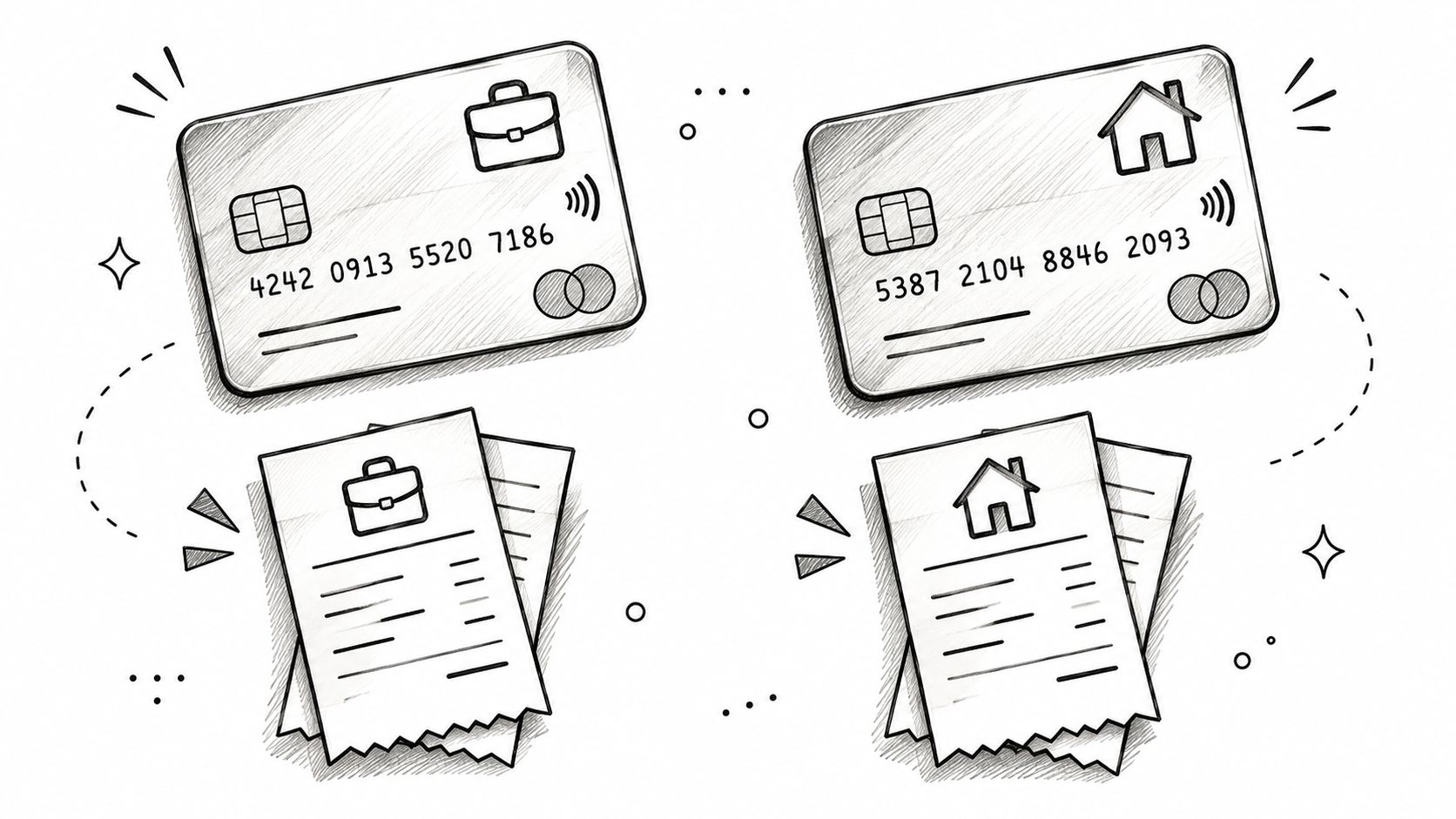
Most of the cleanup headaches come from mixed spending. When business and personal purchases land in the same place, sorting them out later can eat an entire weekend. Separating them early is far easier.
Start with a Dedicated Account
If you can, open a business bank account or card, even if it only handles client payments and business costs. Once that's in place, nearly every transaction belongs to the business, so categorizing becomes a quick job. It's one change, but it clears up most of the guesswork.
Write a Rule for Mixed Purchases
Sometimes separation just isn't realistic. In that case, pick one rule and stick with it.
Take a therapist who buys two office chairs and a personal streaming subscription on the same card. The practical move is to tag only the chairs. Record the vendor, date, amount, and purpose, then leave the subscription clearly outside the business trail.
Give Special Cases Their Own Entries
A few items need separate handling so they never look like income or expenses by accident:
- Owner contributions: money you move into the business
- Personal items on a business card: logged and marked as personal
- Reimbursements: recorded as their own simple entry
- Cash purchases: noted with a photo of the receipt
Each entry takes only seconds, but together they keep your totals honest.
The goal is a record that someone can review quickly, without you having to build a second system just to explain the first.
A short weekly check keeps things under control. Scan the card feed for anything that doesn't fit your rule, and tag it before it blends in with everything else.

The weekly review works best when it stays short. Put 20 minutes on your calendar for the same day each week, and aim to finish once the week's costs are in.
Expense tracking gets easier when the review follows the same order every time. Start with bank and card activity, then match receipts, then look for duplicates. Doing it in that sequence keeps you from jumping between tasks.
What the Twenty Minutes Cover
Most weeks, the session runs through the same four checks.
- Reconcile activity. Compare each business charge on your bank and card feeds with an entry in your records.
- Match the receipt. Attach a photo, invoice, or email to the transaction before you close the session.
- Flag gaps. Write down anything missing documentation on a short chase list. Waiting for it to turn up on its own rarely works.
- Scan for doubles. Look for duplicate charges and subscriptions you no longer use.
A transaction is done when it has a date, amount, vendor, category, business purpose, and a linked piece of evidence.
Some charges just don't make sense, and that's fine. If one is unclear, mark it for your tax professional instead of guessing where it belongs in the business file.
A QuickBooks expense tracking setup can make this routine easier. It connects bank feeds, keeps transactions organized, and lets you attach receipts in the same place.
Add a Monthly Roll Up
Once a month, set aside 30 minutes for a broader look at recurring costs and cash flow. Ask which subscriptions renewed, which client-related costs went up, and which bills are already committed before the next payment goes out.
One consultant noticed a double-billed software seat during a routine weekly check and had it refunded within days. If that charge had sat until December, it would have been much harder to dispute.
Think of the review as preparation. Gather the records, spot the problems, and write down your questions. The actual tax decisions belong with a professional.
Small habits are what keep expense tracking for self-employed work from quietly falling apart when your week gets crowded.
Start with file names. Put the date, vendor, and amount in every name, like 2026-03-14-Adobe-49. That kind of name turns up in a search within seconds. A file called "invoice" tells you nothing six weeks later.
Pair that with a short business-purpose shorthand, something you can type in two seconds without breaking your train of thought. "Client call, March" works. A detailed note you never finish does not.
Habits That Keep Receipts Findable
Put a calendar reminder on every annual subscription, set for the renewal date. Save the invoice that same day so the charge doesn't catch you off guard later.
Keep a receipts-to-chase list too. Missing items are easy to ignore until the vendor stops answering emails, so follow up early.
Travel is where things get messy. Photograph every receipt the same day and drop the folder into your main inbox. Hotel folios have a way of disappearing once you unpack.
A receipt you can find next week is worth more than a perfect system you never open.
Hand Off the Sorting and Keep the Judgment
This is where delegation makes the routine lighter. An assistant team can gather receipts, organize expense details, flag anything missing, and prepare a clean record for you to review.
You still decide what each cost means. The team handles coordination, not the financial call.
Approved Lux offers US-based assistant support for expense-tracking coordination by phone, SMS text, or email. Proactive Preference Learning keeps recurring preferences, like your category names or filing format, moving forward without you repeating them.
This is administrative support only, not tax, legal, or financial advice.
Picture a founder who forwards a folder of receipts before the monthly review and gets back a sorted, flagged list ready to approve. The review stays short because the sorting is already done.
If you're weighing paid help, check our guide on what bookkeeping service cost looks like before you decide what to keep yourself.
You don't need to rebuild your whole system in one weekend. Start small and let a simple routine carry most of the weight.
Start With One Capture Channel
Pick a single inbox, a photo habit, or both. Many people try to capture everything at once from email, bank feeds, paper receipts, and a notes app. That usually ends in a pile nobody touches.
A small routine you actually keep beats an ambitious one you abandon by Friday.
Set Categories and a Purpose Field
Choose five to seven categories, such as software, travel, supplies, client meals, and phone or internet. Then add a business-purpose field to every record. A quick note like "client call with Ortiz, proposal review" answers the question "why was this bought?" before anyone has to ask it.
Book Two Recurring Check-Ins
Block 20 minutes on your calendar each week for a quick review. Scan the new entries, add any missing purpose notes, and track down the receipts you forgot about. Then book a monthly check-in with your accountant or tax professional so questions surface early, not during a scramble at filing time.
Fewer missing receipts, faster reviews, and clearer cash-flow visibility usually trace back to one habit: showing up consistently.
Hold off on adding new tools this week and let the routine do the heavy lifting. Read also: tax preparation assistance options if you want help reviewing records before filing.
Delegate the Coordination If It Helps
You still make the financial calls. The repetitive coordination, though, can go to someone else once your workload gets that heavy.
Think of it as a first hire without the overhead.
If the weekly sweep keeps slipping, Approved Lux Personal Assistant can take over the sorting and chasing. The US-based Assistant team can collect receipts, flag gaps, and put together a clean record for you to review. You can reach them by phone, SMS text, or email, and you still make every decision. Explore Approved Lux today and get back the hours admin eats up each week.